Open and record the current clue
Note the terrain shape, structure, tree type, colour, elevation, or nearby object shown by the treasure item or objective.
Map / Exploration · checked 2026-08-14
Keep treasure maps, chests, and find-the-treasure searches in one route with reproducible landmark checks.
Use the treasure clue or map shown in your save, identify its visible landmark, travel there after the relevant region is open, and inspect the matching ground, structure, or chest interaction. Do not substitute a competitor coordinate for an in-game clue.
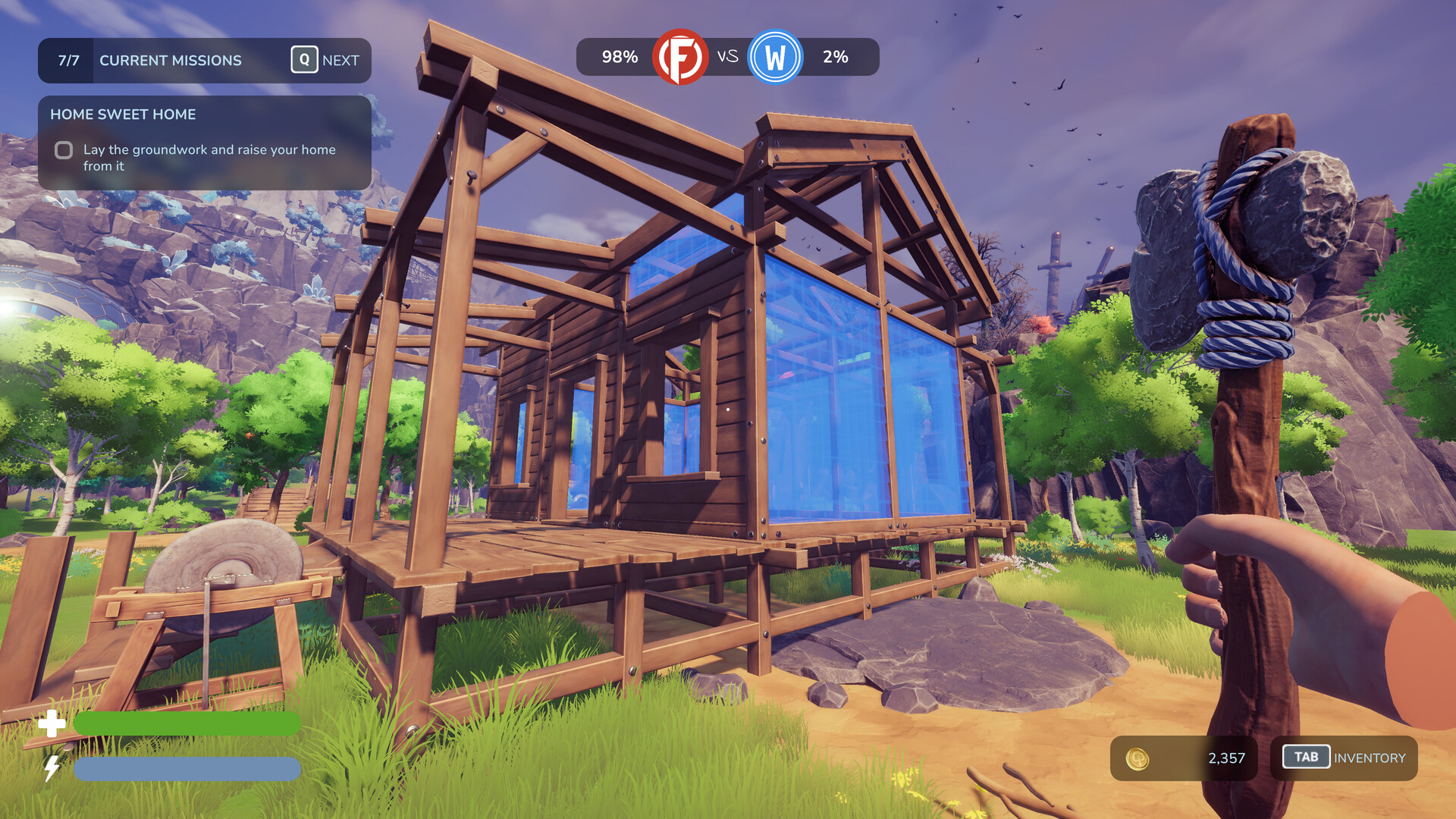
Note the terrain shape, structure, tree type, colour, elevation, or nearby object shown by the treasure item or objective.
If the landmark cannot exist in the accessible world, continue the mission and region route before searching every open area.
Use a primary landmark and a nearby secondary feature to avoid searching a visually similar location.
Check the ground, chest, structure, or interaction prompt at the matched point and then verify the item or objective state changed.
Failure branch
Reopen the clue and compare orientation, elevation, and the second landmark. If the region route is incomplete or the treasure item is not active, return after the connected mission changes.
Completion signal
The treasure route is complete when the chest or interaction resolves and the map item, inventory, mission, or achievement records the result.
Start over
Return to the first condition that is not yet true instead of repeating the final action.